Running Google Gemma 4 Locally With LM Studio’s New Headless CLI & Claude Code
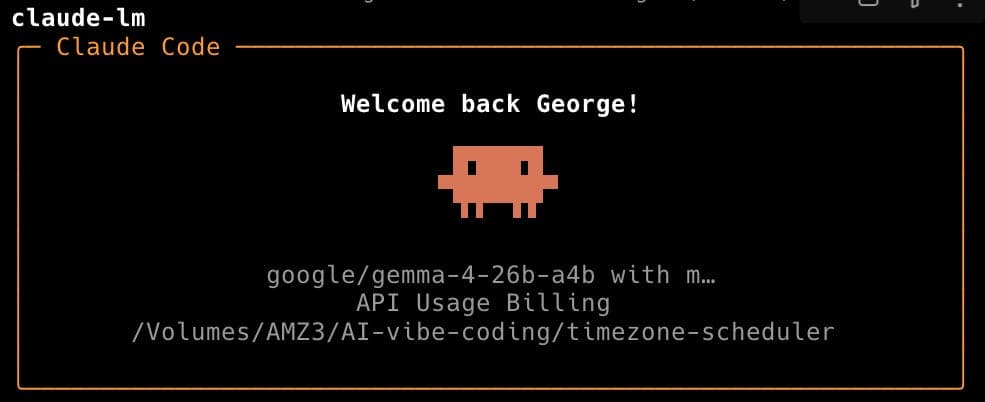
LM Studio 0.4.0 introduced llmster and the lms CLI. Here is how I set up Gemma 4 26B for local inference on macOS that can be used with Claude Code.
Developers and AI engineers who want to run Gemma 4 26B locally on Apple Silicon devices
LM Studio 0.4.0 introduced llmster and the lms CLI. Here is how I set up Gemma 4 26B for local inference on macOS that can be used with Claude Code.