This guide explains how to deploy a self‑hosted SearXNG instance using Docker and connect it to Jan‑V1 as an MCP tool for private web search and scraping. It covers repository cloning, security key generation, container startup, and Jan‑V1 configuration steps needed to enable the integrated search tools.
Highlights
Step‑by‑step Docker deployment of a customized SearXNG fork for MCP integration
Secure secret‑key injection into the SearXNG settings file for production use
Configuration of Jan‑V1 to communicate with the local SearXNG server via environment variables
Activation of built‑in search and URL‑reading tools within the Jan‑V1 chat interface
Provides a privacy‑focused alternative to commercial search APIs
auto-generated
Context
Audience
Developers and data engineers who want a self‑hosted, privacy‑respecting web search and scraping backend for Jan‑V1 or similar AI assistants
DomainSearch Infrastructure & Privacy‑Focused Web Scraping
Learn how to stream custom data from the server to the client.
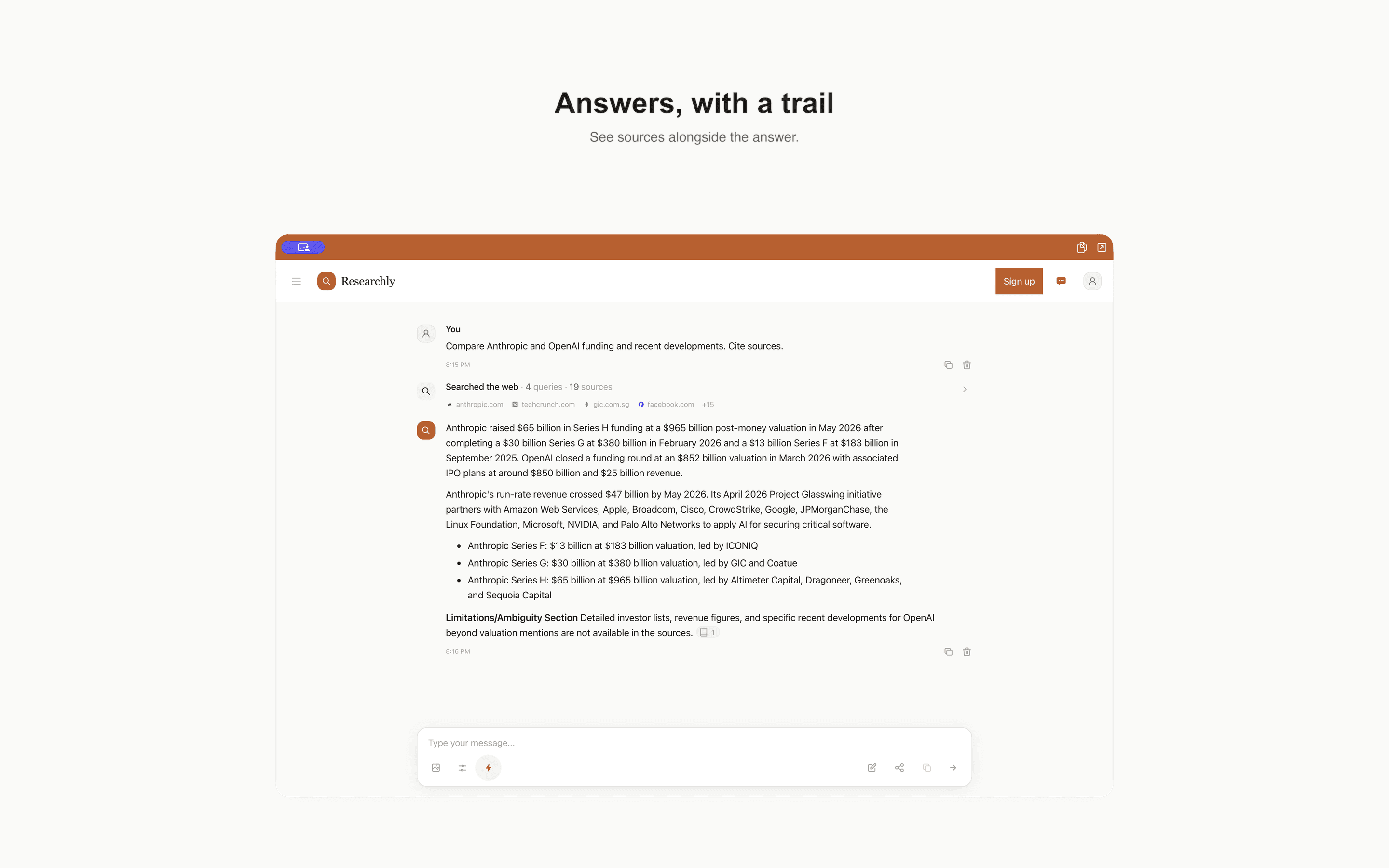
researchly.fyi
Researchly - AI-Powered Web Research
Research the web with AI. Get accurate, up-to-date information with sources powered by real-time web search.
zo.computer
Zo Computer | AI Companion for 24/7 Execution
The AI companion you can text. Build tools and automations with your full context on Zo’s cloud computer. Sync your laptop, Gmail, apps, and calendar....