The OpenHands CLI: AI-Powered Development in Your Terminal
Experience the full power of OpenHands development agents directly from your command line. No Docker required, just install and start coding with AI a...
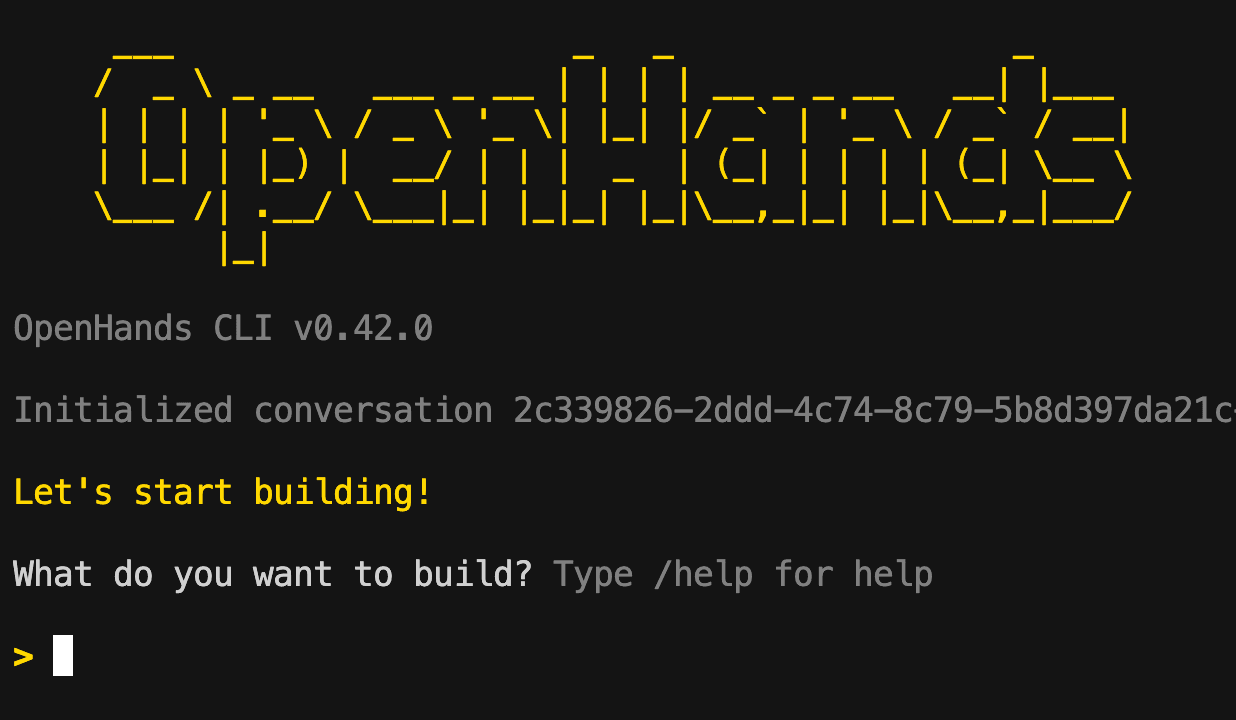
The OpenHands CLI provides an interactive terminal interface to engage with OpenHands agents, supporting real-time natural language commands and responses.
Users can install it via pip or run it in Docker, with environment variables set for model and API key configuration. The CLI includes commands for managing conversations, settings, repository initialization, and agent control such as pause and resume.
Advanced features include configurable memory condensation, confirmation modes, and troubleshooting tips to ensure smooth operation.
Experience the full power of OpenHands development agents directly from your command line. No Docker required, just install and start coding with AI a...
Curated directory of terminal-native AI coding agents and the harnesses that orchestrate them. Covers open-source tools (Pi, OpenCode, Aider, Goose), ...