

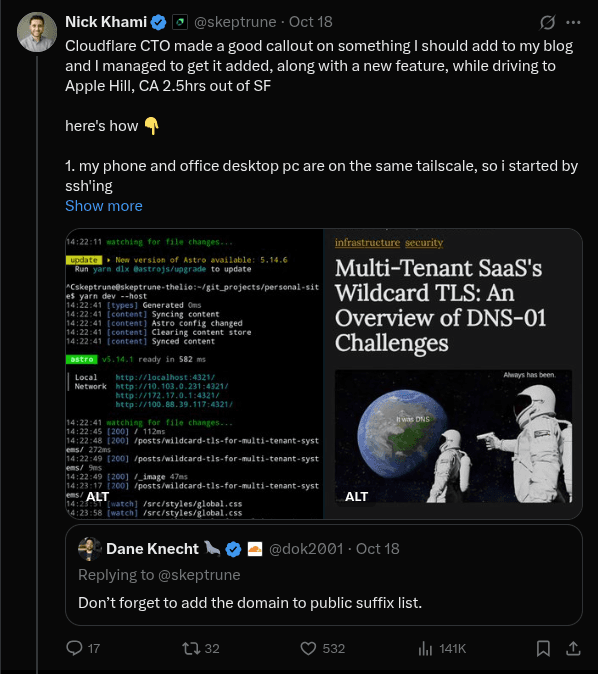
Moshi — SSH & MOSH Terminal for Claude Code & AI Agents
The mobile terminal for AI coding agents on iOS and Android. Native mosh, push notifications, voice input. Zero desktop install.
Developers who want to code with Claude on a smartphone using open source tools
The mobile terminal for AI coding agents on iOS and Android. Native mosh, push notifications, voice input. Zero desktop install.
The agent harness performance optimization system. Skills, instincts, memory, security, and research-first development for Claude Code, Codex, Opencod...
Curated directory of terminal-native AI coding agents and the harnesses that orchestrate them. Covers open-source tools (Pi, OpenCode, Aider, Goose), ...